Zoom-Ready Product Images: A Practical Checklist for Shopify Stores (Plus How to Set Up ZoomMaster)

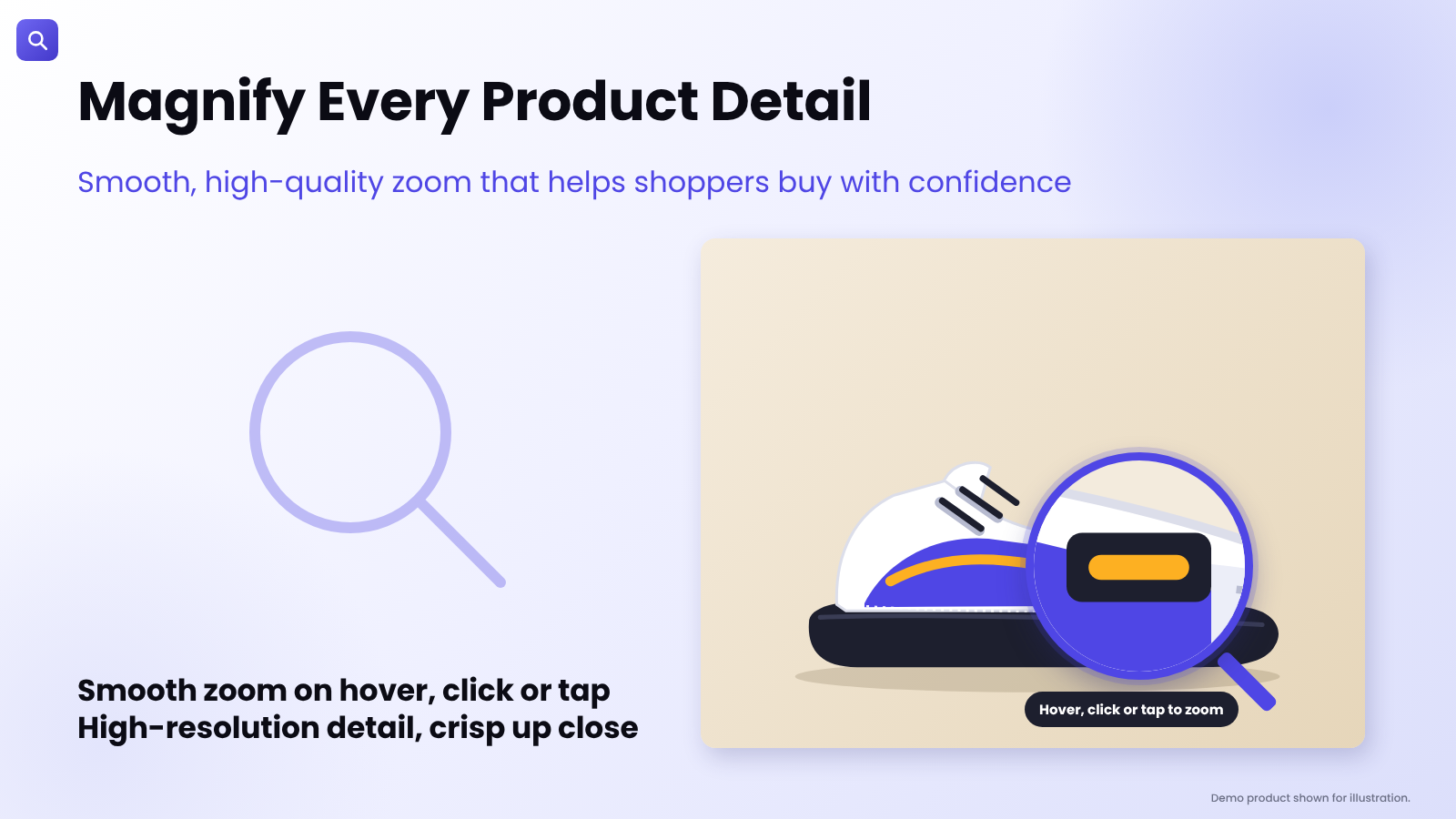
Demo product shown for illustration.
Install ZoomMaster App Now
A Zoom App Can Only Show What Your Photos Contain
Merchants often add an image zoom app expecting it to fix a product page that isn't converting, then feel let down when the zoomed view looks soft.
The reason is simple: a magnifier doesn't invent detail. It reveals the detail that is already in your image file. Great zoom is a partnership between good photography and a good magnifier.
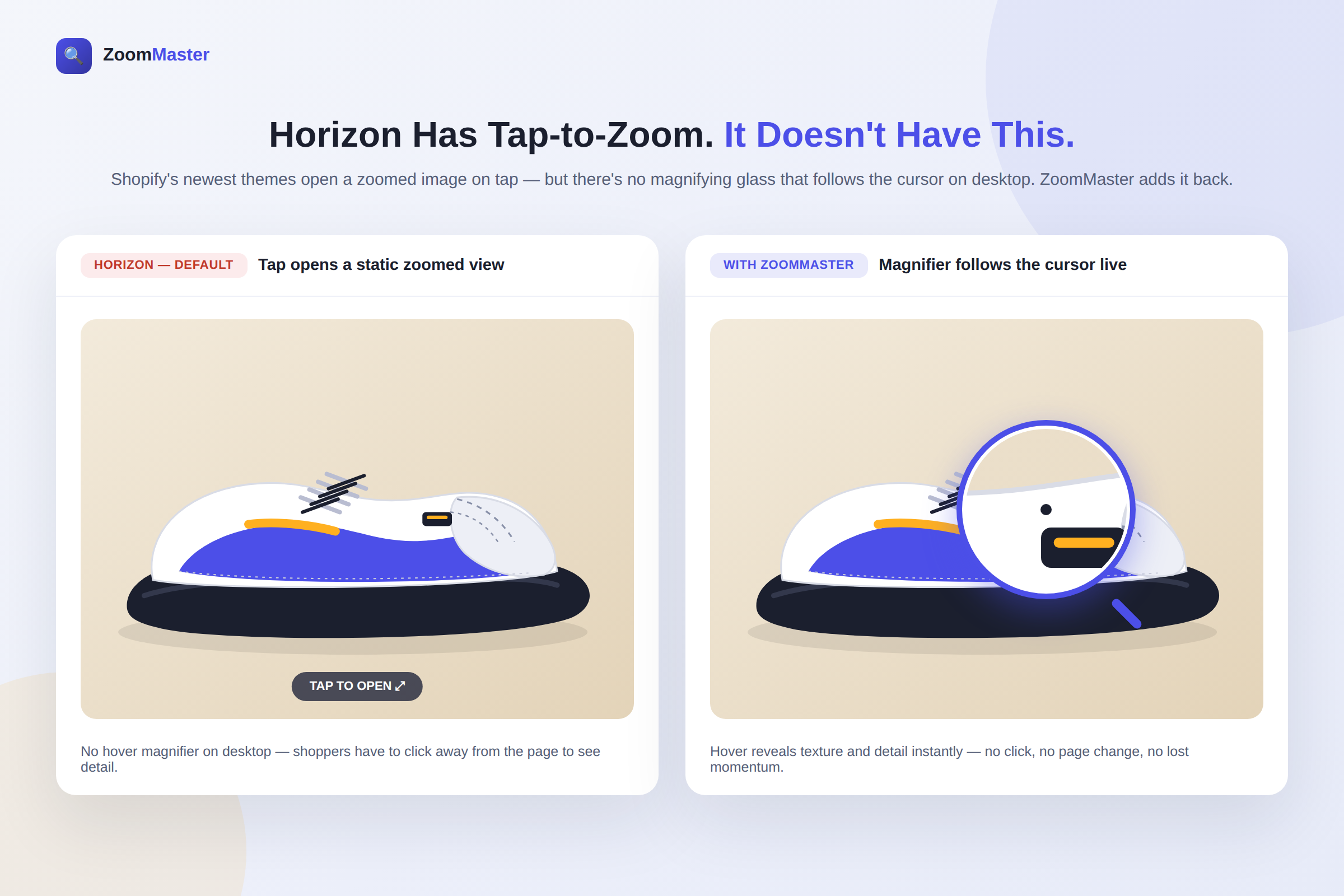
This guide gives you a practical checklist for both halves: how to prepare images that hold up under zoom, and how to set up ZoomMaster so shoppers can inspect every stitch, grain and finish without leaving the page. (If you use a Horizon-family theme and want to know how a hover magnifier fits alongside its built-in tap-to-zoom, we covered that in ZoomMaster vs. Horizon's Tap-to-Zoom.)