The Hidden Shopify SEO Hack: How FAQ Schema on Product Pages Gets You Featured in Google Search

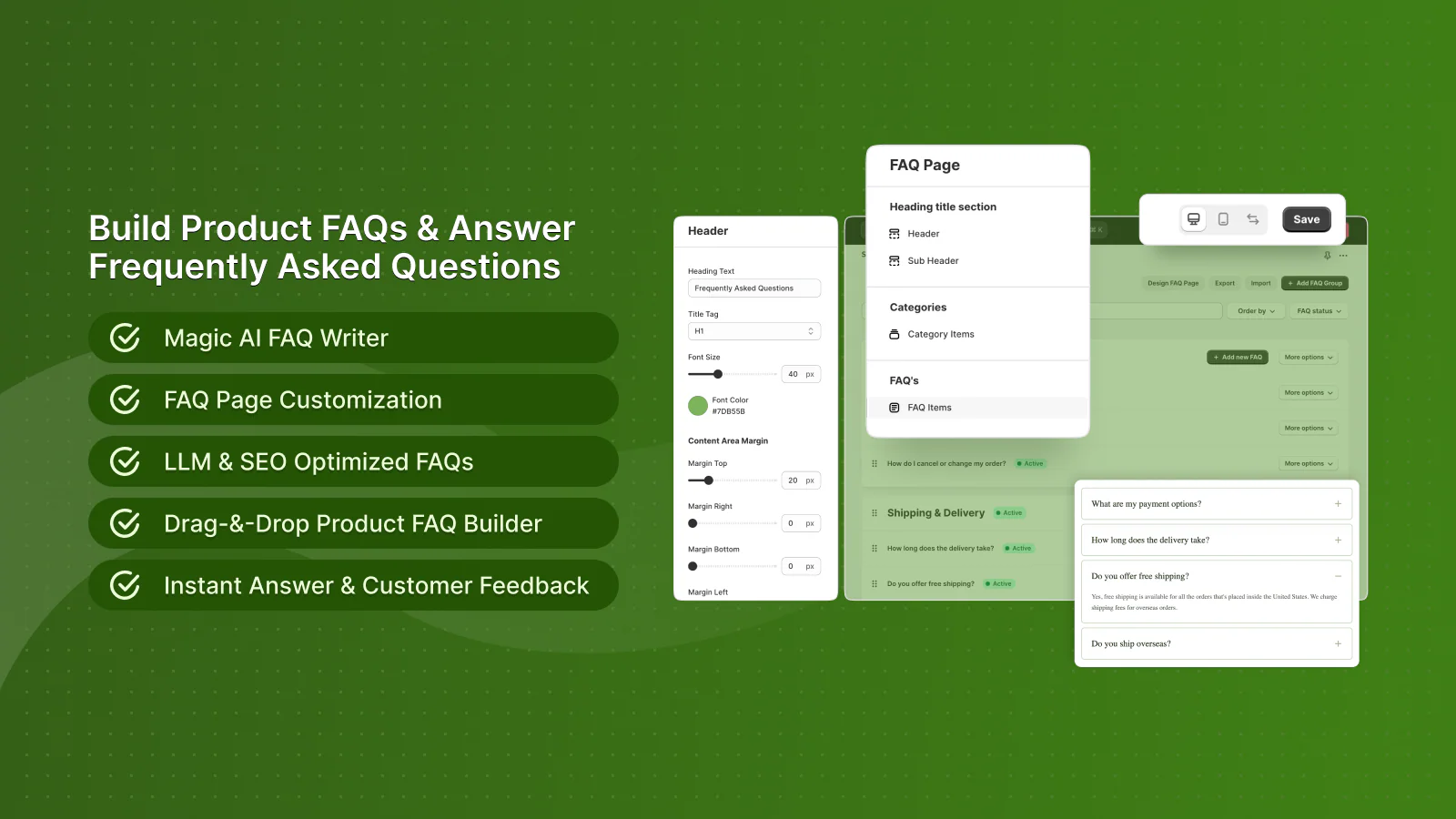
Install AC – Questions & Answers Free
Your Competitors Are Showing Up in Google With FAQ Dropdowns. You're Not. Here's Why.
Open Google and search for any product you sell. Now look at the results.
Some competitors have expandable FAQ dropdowns directly in Google search results — extra lines of text showing real customer questions and answers about their products. Their listing takes up 2-3x more screen space than yours. They get more clicks. You don't.
That's FAQ schema markup at work. And your Shopify store is probably missing it.
What Is FAQ Schema (and Why Should You Care)?
FAQ schema is a type of structured data (specifically, JSON-LD markup) that tells Google: "This page has questions and answers on it." When Google reads this markup, it can display your Q&A directly in search results as rich snippets — those expandable accordion-style dropdowns beneath your page link.
What Rich Snippets Look Like in Google
Without FAQ schema:
Your Product Page Title
https://yourstore.com/products/example
Your meta description text here...
With FAQ schema:
Your Product Page Title
https://yourstore.com/products/example
Your meta description text here...
▸ What size should I order for this product?
▸ Is this product machine washable?
▸ How long does shipping take?
The difference is dramatic. The FAQ-enhanced listing takes up 3-4x more vertical space on the results page, pushing competitors below the fold.
The Data: FAQ Schema Increases Clicks by 20-30%
This isn't speculation. Research from multiple sources confirms the impact:
- Rich results get 20-30% higher CTR than standard results (Search Engine Journal)
- Structured data pages get 40% more impressions in Google Search Console (Moz)
- FAQ rich results increase click-through by an average of 87% for informational queries (Milestone Research)
- Pages with structured data are more likely to rank in the top 10 because Google can better understand their content
For a Shopify store with 100 product pages, each getting even 50 organic visits per month, a 25% CTR increase means 1,250 more visits per month — for free.
Why Most Shopify Stores Don't Have FAQ Schema
There are three reasons most Shopify stores miss out on FAQ rich snippets:
1. Shopify Doesn't Generate FAQ Schema by Default
Shopify themes include basic structured data for products (price, availability, ratings), but no theme automatically generates FAQ schema from product page content. You'd need to manually add JSON-LD code to your theme — for every product, every time a question is answered.
2. Manual FAQ Schema Is a Maintenance Nightmare
Even if you hire a developer to add FAQ JSON-LD to your theme, you'd need to:
- Write the JSON-LD markup manually for each product
- Update it every time a new Q&A is published
- Validate the markup to avoid Google errors
- Keep it synchronized with your actual page content
For a store with 200+ products, this is unsustainable.
3. Most FAQ Apps Don't Generate Schema
Many Shopify FAQ apps render questions client-side with JavaScript — which means Google's crawler never sees the Q&A content. No content visible to Google = no FAQ schema = no rich snippets.
How AC – Questions & Answers Solves This Automatically
The AC – Questions & Answers app by AppifyCommerce has a built-in SEO engine that automatically generates FAQ JSON-LD schema for every product page with published Q&A.
Here's what happens behind the scenes:
- A customer asks a question on your product page
- You (or AI) answer the question
- You publish the Q&A
- The app automatically generates FAQ JSON-LD markup and injects it into the product page
- The app syncs the Q&A data to Shopify product metafields so it persists across themes
- Google crawls the page, reads the structured data, and displays rich snippets
You don't write any code. You don't touch your theme. You don't maintain anything. Every published Q&A automatically becomes structured data that Google can display.
The SEO Engine Under the Hood
From the app's codebase:
SEOScript.js— Generates FAQ JSON-LD on the storefront in real-timeseoSchema.php— Server-side schema generation for reliable crawlability- Product metafield sync — Q&A data is stored in Shopify metafields, making it visible to Google even without JavaScript execution
- Toggle control — Enable/disable SEO schema from settings (useful for testing)
This dual approach (client-side + metafield sync) means your FAQ data is accessible to Google regardless of how it crawls your store.
Beyond SEO: 6 More Ways Product Q&A Drives Revenue
FAQ schema is the hidden gem, but the app does much more:
| Feature | Business Impact |
|---|---|
| AI-Powered Answers | Respond to customer questions instantly — even at 3 AM |
| Duplicate Detection | Automatically detects similar questions to reduce noise |
| Helpful / Not Helpful Voting | Surfaces the most useful answers to the top |
| Image Uploads | Customers can attach photos to their questions |
| Multi-Language (30+) | Q&A in the customer's native language |
| Klaviyo + Mailchimp Integration | Sync Q&A participants to your email marketing lists |
| Import/Export (CSV & XLSX) | Migrate existing FAQs or seed Q&A for new products |
| Analytics Dashboard | Track which products get the most questions |
| Category & Tagging System | Organize Q&A by topic for better navigation |
| reCAPTCHA Protection | Block spam questions automatically |
How to Set Up FAQ Schema on Your Shopify Store (5 Minutes)
- Install AC – Questions & Answers from the Shopify App Store (free plan available)
- Enable the Q&A block on your product pages using the Shopify theme editor
- Enable SEO schema in Settings → SEO (it may be on by default)
- Add Q&A to your products — either manually, via CSV import, or let customers ask organically
- Publish the Q&A — each published question-answer pair becomes a FAQ schema entry
- Validate — use Google's Rich Results Test to confirm your FAQ schema is working
Within days, Google will start displaying your FAQ rich snippets in search results.
Pro Tip: Seed Your Top Products with Q&A
Don't wait for customers to ask. Use the import feature (CSV or XLSX) to pre-load frequently asked questions on your top 20 products. Common questions to seed:
- Sizing and fit
- Shipping times and costs
- Return policy specifics
- Material and care instructions
- Compatibility with other products
Each seeded Q&A pair becomes a FAQ schema entry that Google can display.
What Merchants Are Saying
"This app is fantastic. Customers definitely use it, and I have gotten orders that might have otherwise been lost. The customer service is amazing too." — Simpli Stamped, United States (March 2026)
"A great, user friendly app. It allows both product and tag based questions and works well. Support very quick to help." — Audio Trends, Australia (April 2026)
"Can be used as an FAQ, and separately, it allows customers to submit their own Q&A as well. Highly recommended!" — くらしラボ, Japan (September 2025)
Perfect 5.0 rating across 27 reviews. Free plan available. AI answers on the Professional plan ($9.99/mo).
The ROI Calculation
v
| Metric | Without Q&A | With Q&A + FAQ Schema |
|---|---|---|
| Organic CTR | 2.5% | 3.2% (+28%) |
| Monthly organic visits (100 products) | 5,000 | 6,400 |
| Conversion rate | 1.58% | 1.9% (Q&A builds confidence) |
| Monthly revenue (at $80 AOV) | $6,320 | $9,728 |
| Monthly revenue increase | — | +$3,408 |
Even on the free plan (25 Q&A/month), you'll build schema coverage across your catalog over time. The $1.99/month Basic plan unlocks unlimited Q&A — that's a 1,700x ROI at these numbers.
Your Next Step
Every day without FAQ schema on your product pages is a day your competitors take your clicks.
The fix takes 5 minutes. The free plan covers 25 Q&A per month. The SEO benefits compound over time.
Install AC – Questions & Answers Free →