How does the AI Review Translation feature work and how can I enable it?
The AI Review Translation feature allows storefront visitors to translate product reviews and store replies into their selected store language using AI. This helps customers understand reviews more easily, even when they are written in a different language.
How to enable it:
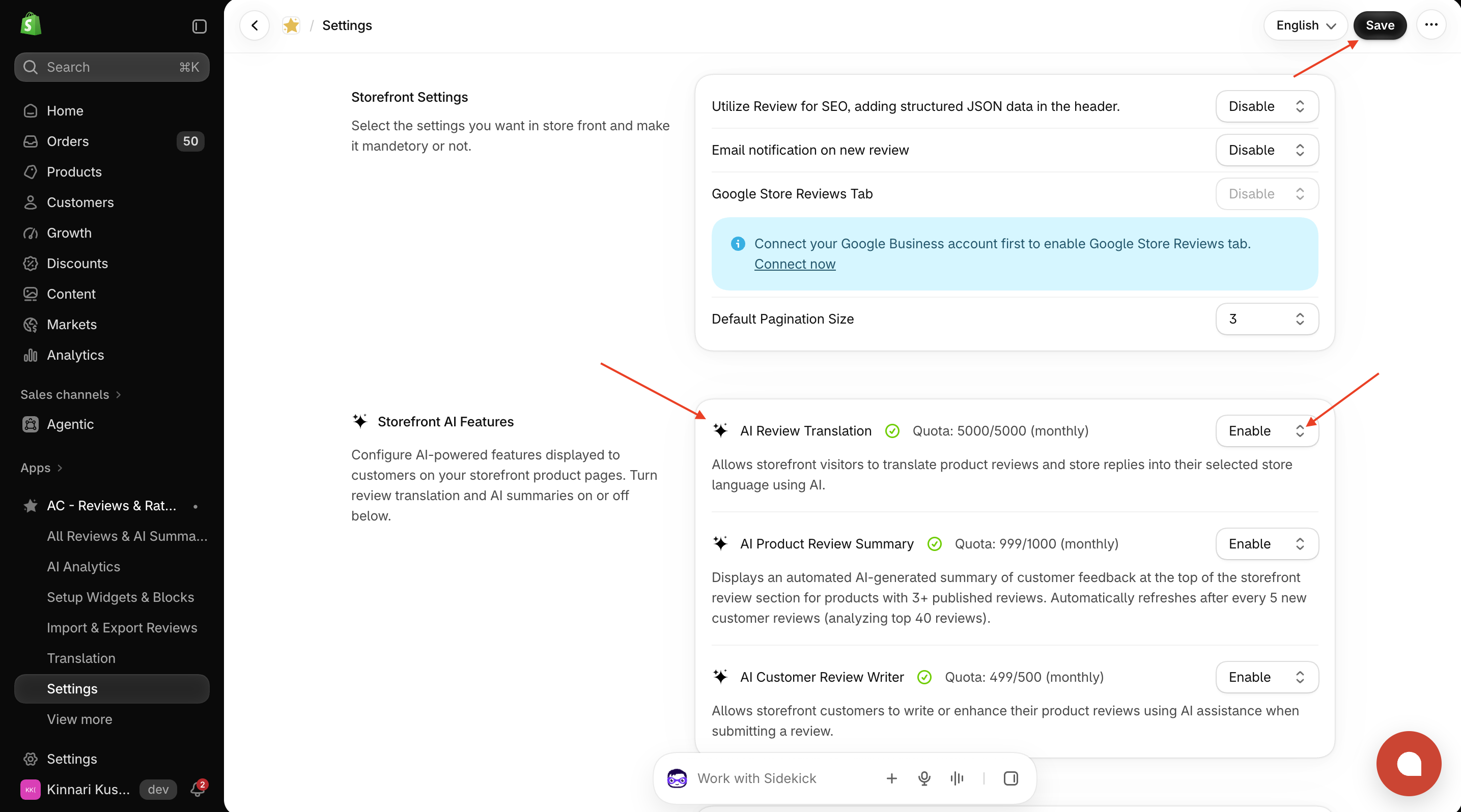
- Go to AC – Reviews & Ratings → Settings in your Shopify admin.
- Find the Storefront AI Features section.
- Locate AI Review Translation.
- Select Enable from the dropdown menu.
- Click Save to apply your changes.
Once enabled, visitors can use AI to translate product reviews and store replies into their selected store language.
Monthly quota: The feature includes up to 5,000 translations per month.
Get Review & Rating App from here for your shopify store Review and Rating App