How do I control which admin users can moderate questions?
Product Question & Answer registers its own permission resource, so you can let a support colleague answer questions without giving them access to the rest of your content.
- Go to System → Permissions → User Roles.
- Edit the role you want to grant access to (or create a new one).
- Open the Role Resources tab.
- Set Resource Access to Custom.
- Tick Content → Product Questions and Answers.
- Click Save Role, then assign users to it.
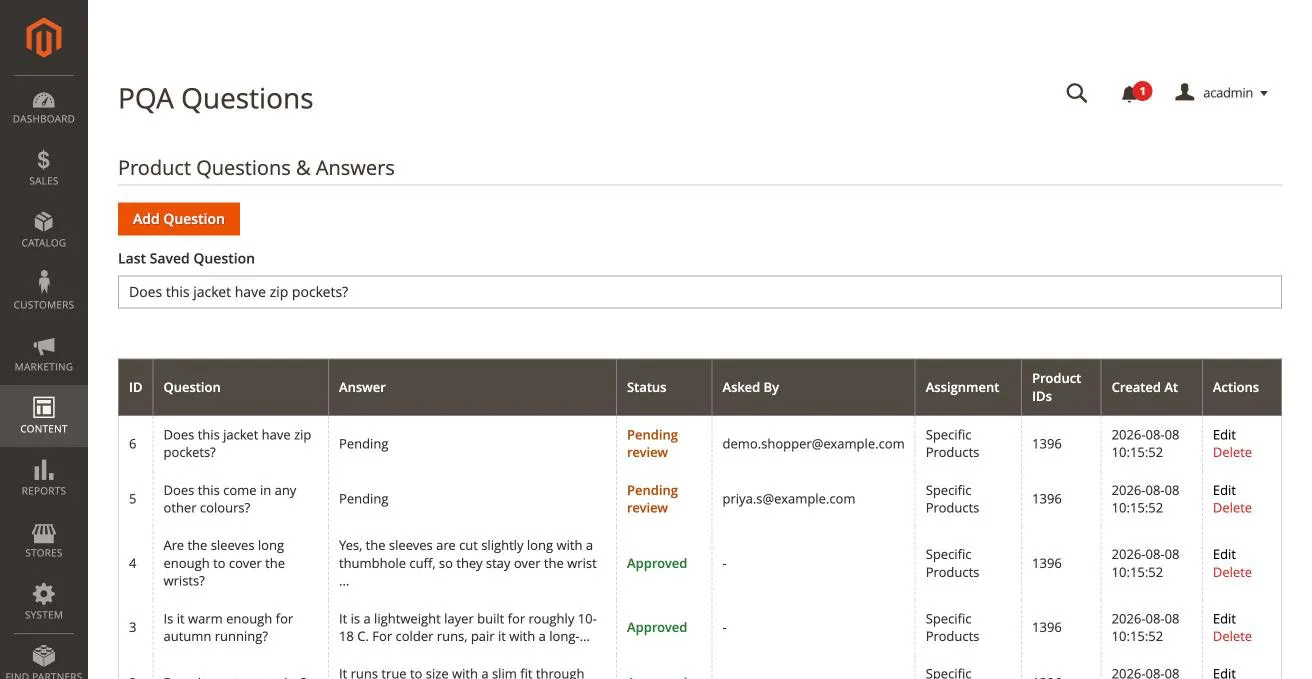
Users in that role see the PQA Questions menu entry and nothing else new. Users without it cannot reach the grid, even with a direct link.
tip
This pairs well with a support or moderator role: they answer customer questions all day without being able to edit CMS pages, blocks or store configuration.
You can install Product Question & Answer for Magento from here.
info
Contact Us at support@appifycommerce.com