What happens if an automated message fails to send?
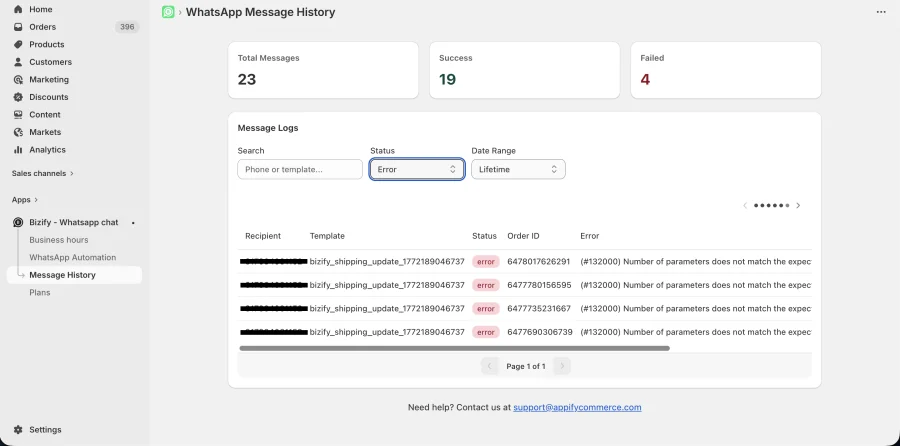
The app logs failed message attempts. Common failure reasons include unapproved templates, expired access tokens, or inactive billing in Meta. Failed messages are listed with their status in the Message History tab of WhatsApp Automation. The Templates tab shows each template's approval status (Pending Approval, Approved, Rejected), and a banner reminds you to verify billing in Meta Business Manager. On the Free plan, messages are also skipped once the monthly automation limit of 50 per billing period is reached; upgrade to Advance for unlimited sending.
You can install Bizify - Whatsapp chat in Shopify store from here.
info
Contact Us at support@appifycommerce.com