How to enable cookie consent banner at Shopify store-front?
After adding the app, the banner will appear on the store. If for some reason the banner is not seen, make sure on the settings page that the app is enabled. But how we enable?
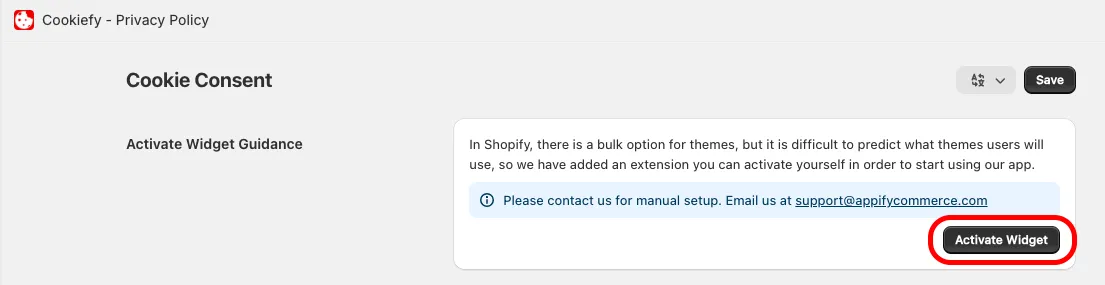
- Open the app. Under Theme store app embed click Enable extension. This opens your theme editor on the App embeds tab.
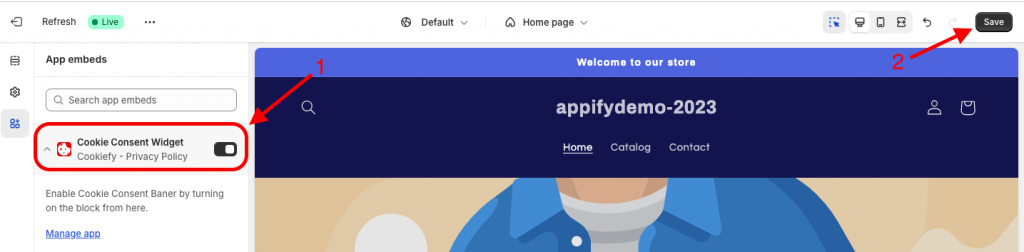
- Turn on the Cookie Consent Widget toggle and click Save in the theme editor.
Get Cookiefy app for Shopify store from here Cookiefy - Privacy Policy