How can I disable the Frequently Bought Together block?
Currently, there is no universal one-click option to disable the Frequently Bought Together block for all users.
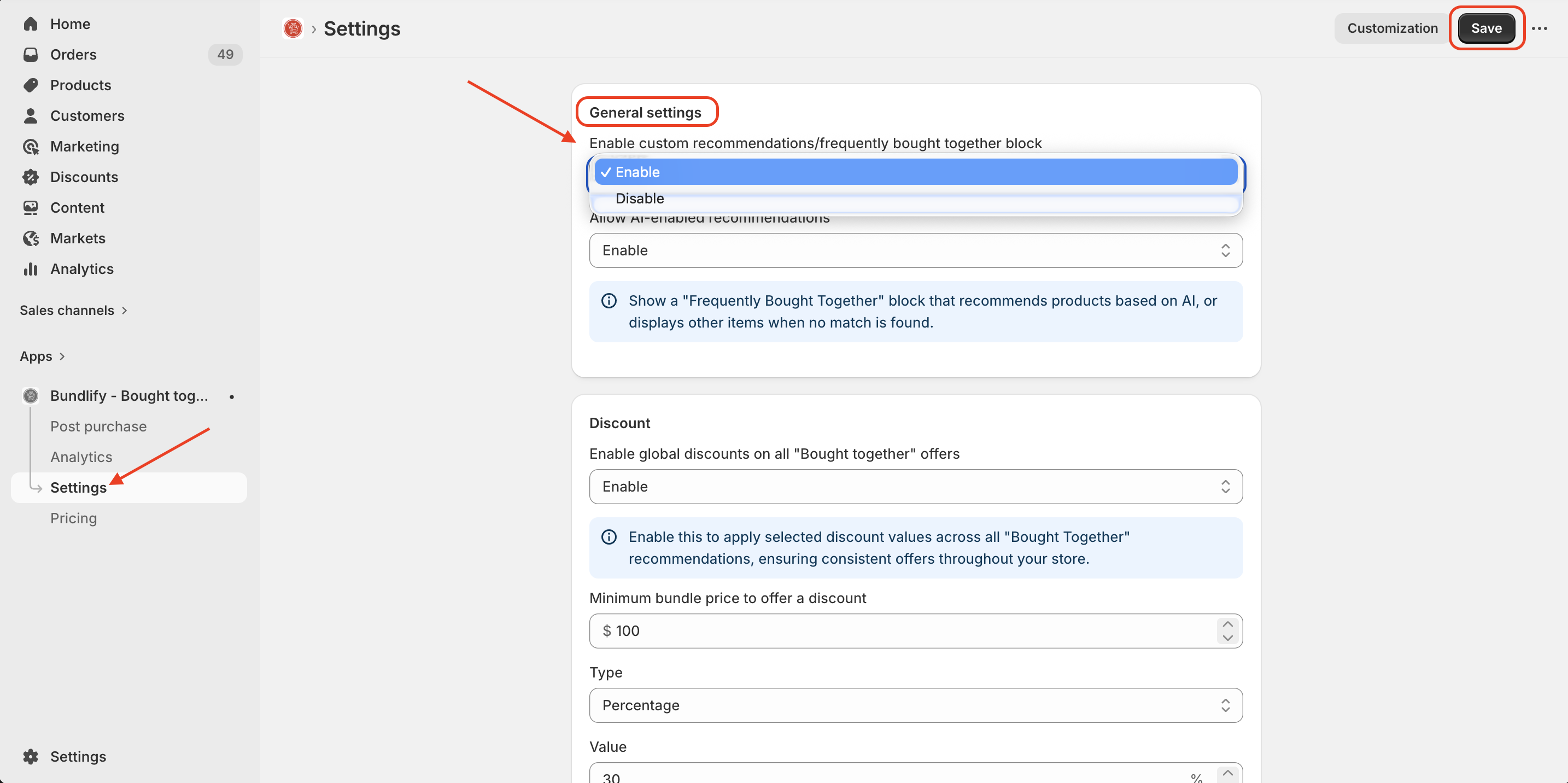
The Disable Block button is visible in the Settings for everyone, but it only works for legacy users — those who installed the app or had existing app data before March 26.
🔔 Important Note:
The disable block button in Settings will only function for legacy users. If you are a new user, this button will be visible but will not have any effect.
✅ For New Users (Manual Method):
To disable the block, please follow these steps:
- Go to your Shopify Admin
- Navigate to Online Store → Themes
- Click on Customize
- Open the Product Page template
- Locate the Bundlify (Frequently Bought Together) App Block
- Click on the block and Remove / Disable it
- Click Save
After completing these steps, the Frequently Bought Together section will no longer appear on your product pages.
Get Bundlify app for your Shopify store from here Bundlify - Bought together