How to enable customize cart?
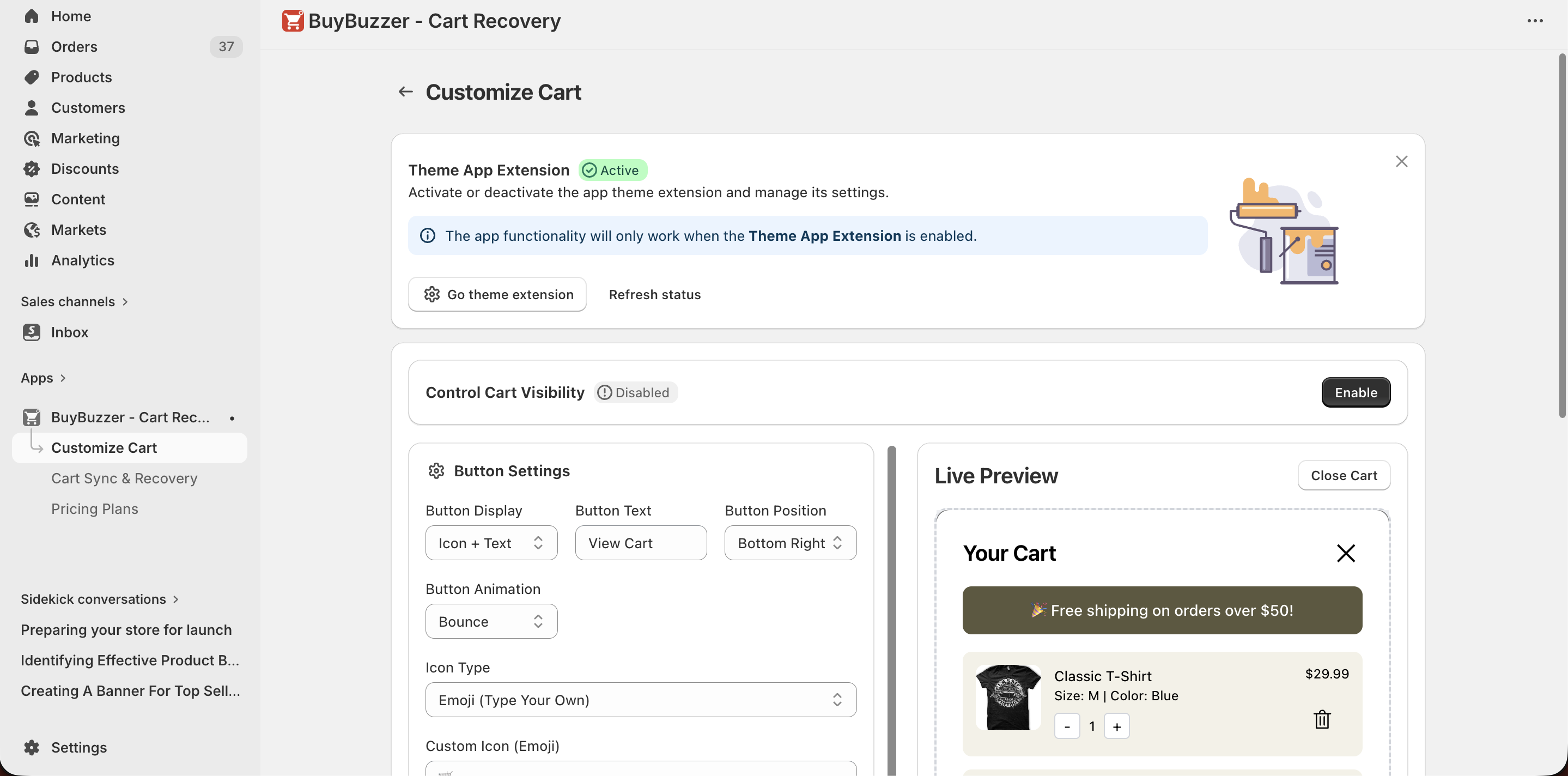
To enable and display the customized cart in your store, follow these steps:
- Open the BuyBuzzer - Cart Recovery app from your Shopify admin panel.
- Navigate to the Customize Cart section.
- Activate the BuyBuzzer extension if it is not already active.
- Use the Enable / Disable toggle button to turn the feature "On".
- The changes apply instantly with no coding required.
Get Cart notification app for Shopify store from here BuyBuzzer - Cart Recovery
info
Contact Us at support@appifycommerce.com